Best AI Thumbnail Generators in 2025
We tested the top tools so you don't have to. Here's our comprehensive comparison with real examples and honest reviews.
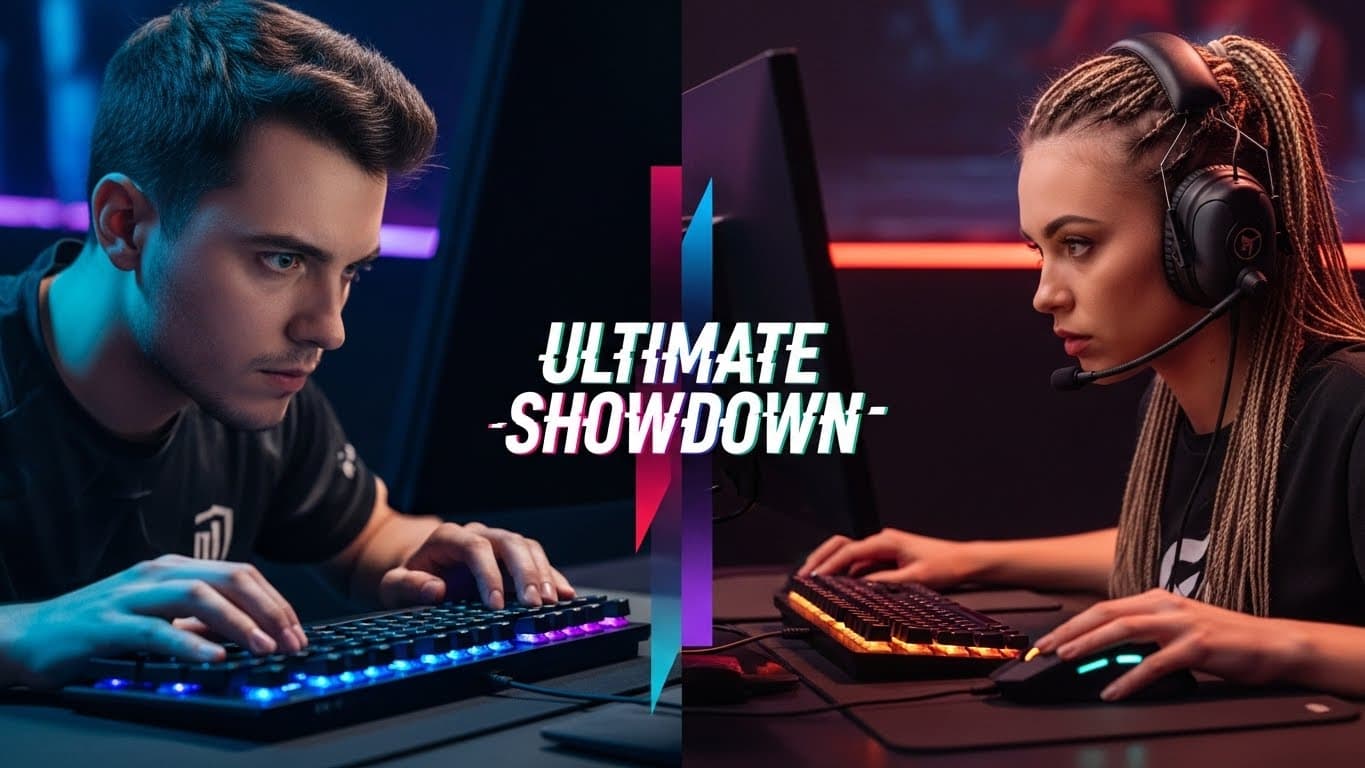
Creating YouTube thumbnails used to mean hours in Photoshop or paying expensive designers. In 2025, AI has changed everything. New tools can generate professional thumbnails in seconds — but which ones actually work?
We spent weeks testing every major AI thumbnail generator on the market. We evaluated them on speed, quality, ease of use, and most importantly, whether the thumbnails actually get clicks.
Here's what we found.
Quick Comparison Table
| Tool | AI Generation | Face Embedding | Mobile App | Price |
|---|---|---|---|---|
| Thumbly | Free+ | |||
| Canva | $12.99/mo | |||
| Photoshop | $20.99/mo | |||
| Visme | Limited | $12.25/mo |
Detailed Reviews
AI Thumbnail Generator (Thumbly)
Pros
- AI face embedding technology
- Works on iOS and Android
- Sketch to thumbnail feature
- Brand identity learning
- Fastest generation time
Cons
- Mobile-first (web version coming soon)
Verdict: Best for creators who want professional results with minimal effort
Canva
Pros
- Large template library
- Familiar interface
- Good for general design
Cons
- Requires design skills
- Templates can look generic
- No AI generation
- Time-consuming
Verdict: Best for creators who enjoy hands-on design
Photoshop
Pros
- Ultimate creative control
- Industry standard
- Advanced features
Cons
- Steep learning curve
- Expensive subscription
- Very time-consuming
- No AI assistance
Verdict: Best for professional designers
Visme
Pros
- Template-based approach
- Brand kit features
Cons
- Limited AI features
- Can feel clunky
- Generic results
Verdict: Decent option for template-based design
Our Recommendation
After extensive testing, we believe AI Thumbnail Generator (Thumbly) offers the best combination of speed, quality, and ease of use for most YouTube creators.
The AI face embedding feature is genuinely unique — no other tool can naturally integrate your face into professional thumbnail designs. Combined with sketch-to-thumbnail and brand identity features, it's the most complete solution we've tested.
That said, if you enjoy the design process and want full creative control, Canva remains a solid choice. And for professional designers who need ultimate precision, Photoshop is still the gold standard (though it's overkill for most creators).
The Bottom Line
The best thumbnail tool is the one that helps you create high-CTR thumbnails consistently. For most creators, that means choosing a tool that's fast, easy, and understands what makes thumbnails work.
In 2025, AI-powered tools have reached a point where they can genuinely outperform manual design for the average creator. The question isn't whether to use AI — it's which AI tool to choose.